Tampilkan postingan dengan label Personalization. Tampilkan semua postingan

Senin, 05 Agustus 2013

Ocean HD v1.5 APK


Explore exotic sealife at the depths of the ocean - in true 3D!


Ocean HD play.google.com.apps.ocean
Dive down and immerse yourself in your own underwater world every time you use your device.
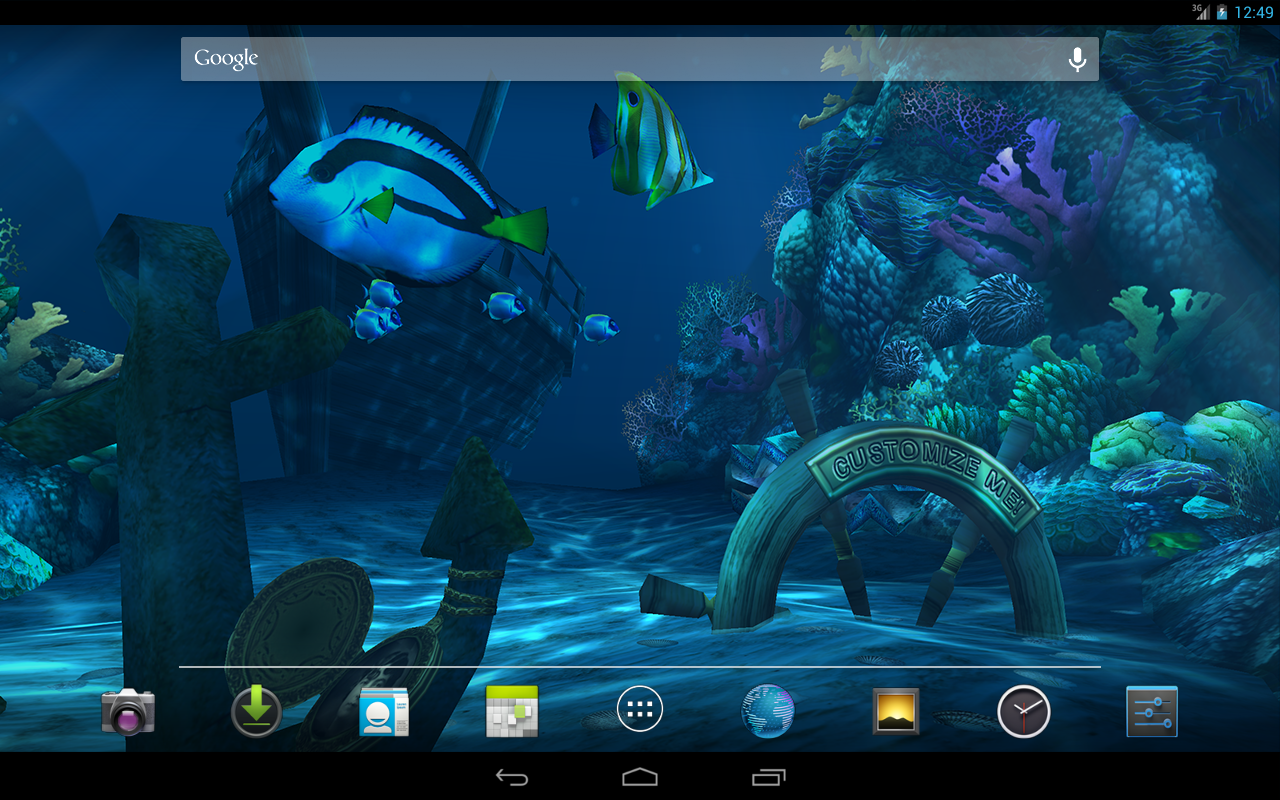
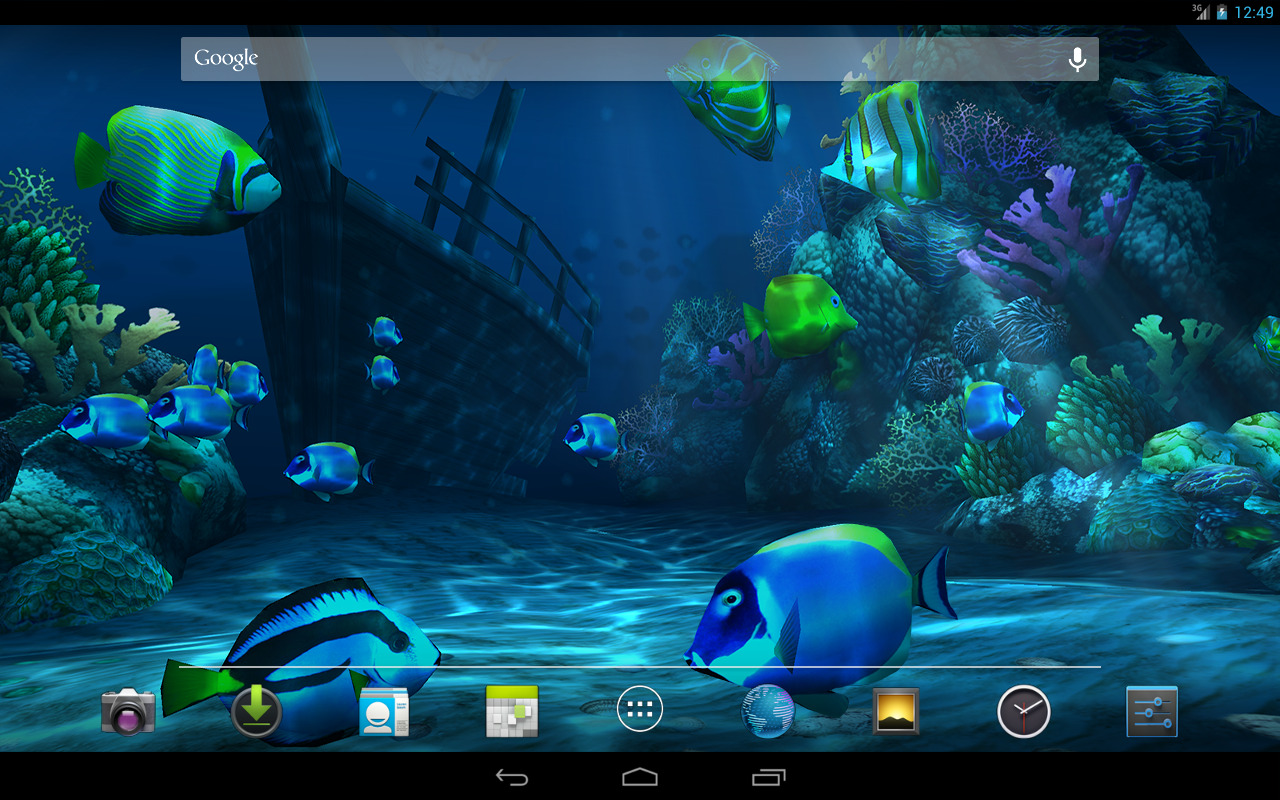
Explore the pristine waters of a deep ocean environment teeming with exotic sea life. Discover a sunken ship, coral reef, and more as sunlight glints off hidden treasure.

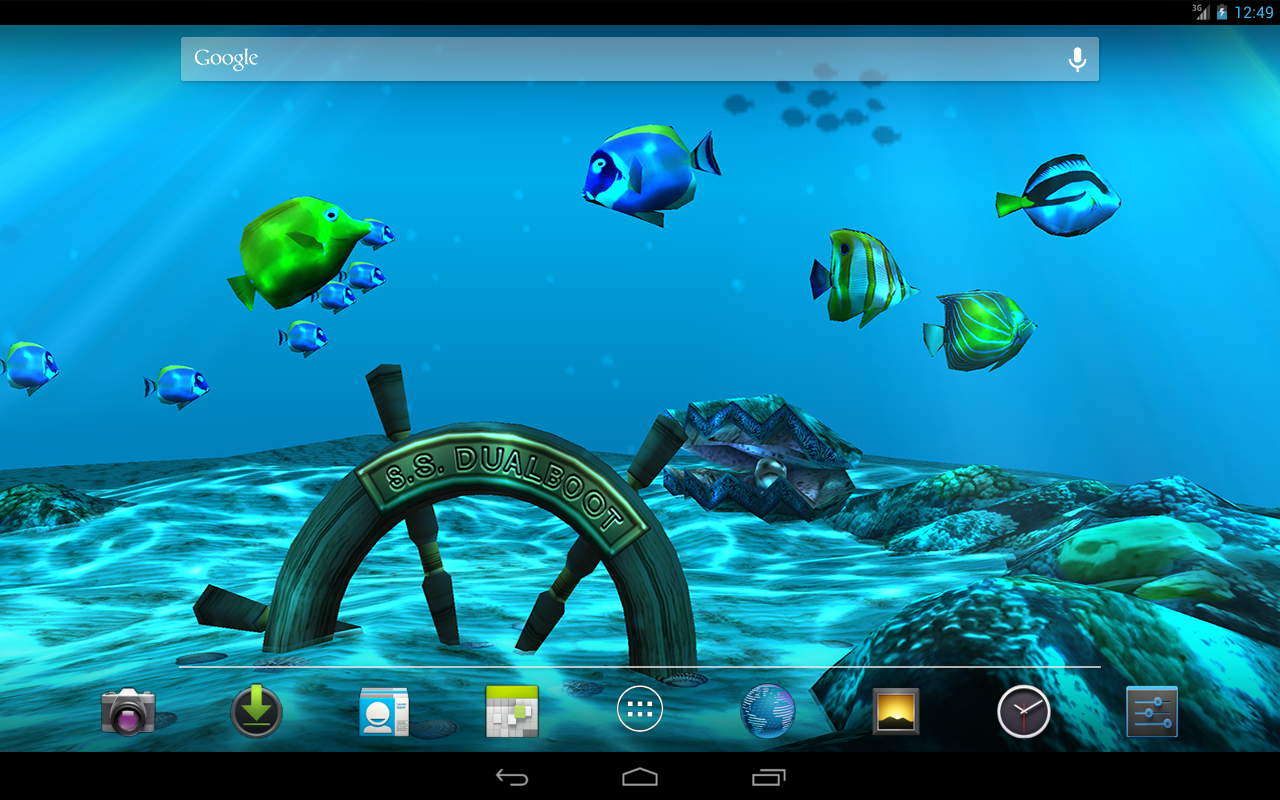
Schools of fish swim past you while a manta ray glides overhead. Or, dive into shallow seas and drift in azure blue waters - it's all up to you. Watch closely and you may even see a shark in the distance!

Interact with the fish that swim nearby and the hidden treasure. Customize your dive experience with hundreds of combinations - hide the ship, change the treasure to a diving helmet, choose from 'Shallow Seas' or 'Coral Life' themes, and much more!

This wallpaper is true 3D with hand-crafted artwork. Our wallpapers feature silky-smooth animations while conserving your battery life.

Works great with phones, tablets, or any device that supports live wallpapers.

What's in this version: (Updated : Aug 1, 2013)
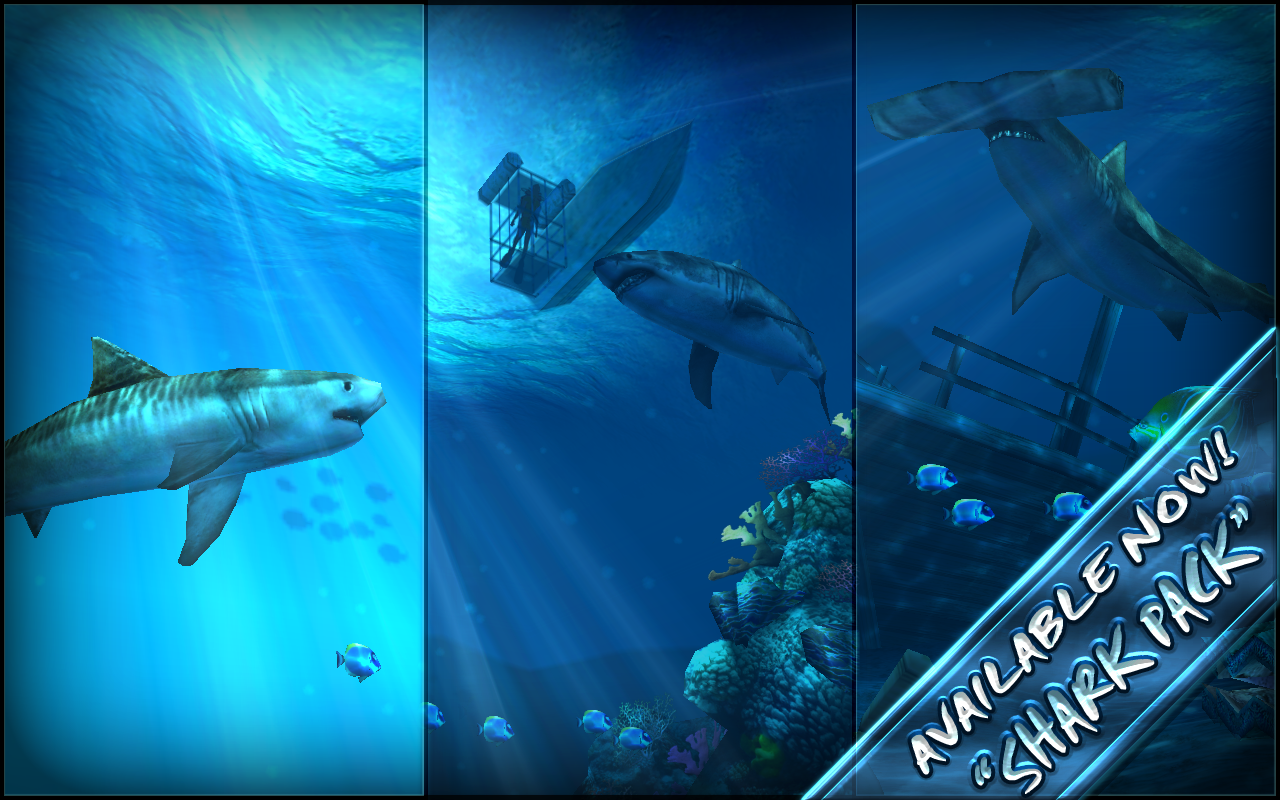
  • The 'Shark Pack' is now available for purchase! The Shark Pack features Great White, Tiger, and Hammerhead sharks, new themes, and a shark cage and diver.
  • Other changes:
  • Added 6 new types of fish!
  • More realistic fish animations and textures
  • Swaying coral and sea fans
  • Locket with custom image can now be left open
  • Added toggle for background fish and background shark
  • Improved sun distortion and depth fog
  • Art optimizations
  • Many other fixes and improvements
Required Android O/S : 2.2+

Screenshots :
Ocean HD - screenshot

Download : 4.2Mb APK

Sabtu, 03 Agustus 2013

Next Launcher 3D v1.52 APK


Next Launcher, designed by GO Dev Team, is officially released now!


Next Launcher 3D play.google.com.nextlauncher
Next Launcher is a new launcher application which is full of glorious 3D elements and dynamic effects. Fancy 3D visual elements, gorgeous transition effects and humanized gestures bring you a unique and splendid operation experience and visual enjoyment.

Features:
  • Various operation for icons: icons support rotation, reset, select, align and so on. Operation is easy and fantastic.
  • Unlimited screen layout: placing icons or widgets randomly which forms your own home screen.
  • Stereoscopic screen preview: lots of screen display effects, dazzling animation of screen switching about adding or deleting screen.
  • Quick screen management: adding different kinds of elements in screen edit including application icons, folders and widgets. It�ll support changing wallpapers and themes soon.
  • Rotatable dock: inverting upward or downward the Dock can quickly switch among home screen, screen edit and screen preview.
  • Powerful app drawer: icons can be arranged by names or by time, and folders can be created by overlaying icons. Batch mode and operation of adding apps to screen are also available. 
  • Beautiful scrolling effects: a variety of app drawer scrolling effects that provide a distinctive screen switching experience.
  • Fancy 3D widgets: 3D widgets that are based on Next Launcher are coming soon!
Tips:
  • Please make sure your device has installed Google Play.
  • Phone performance:Android 2.3.3 and up; Dual-core models is better.
  • Suggestion:Watch the video of Next Launcher first, to know about the cool operation of the product.
  • Notice: We suggest users which use Galaxy Nexus don't remove the Menu icon.
What's in this version: (Updated : Aug 1, 2013)
  • (New) Custom icon label color in Icon Editor(Click Next key�>Icon editor)
  • (New) Custom gesture(Click Next key�>Custom Gesture)
Required Android O/S : 2.2+

Screenshots :


Download : 5.8Mb APK
- Cracked by zealot01 -

Kamis, 01 Agustus 2013

Popup Widget v1.3.0 APK [Proper]


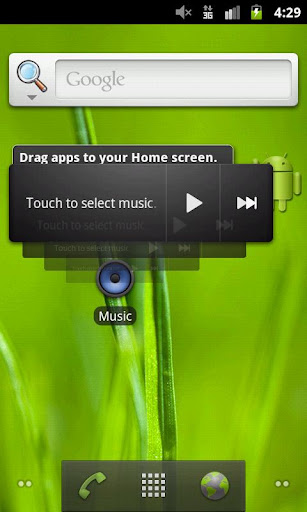
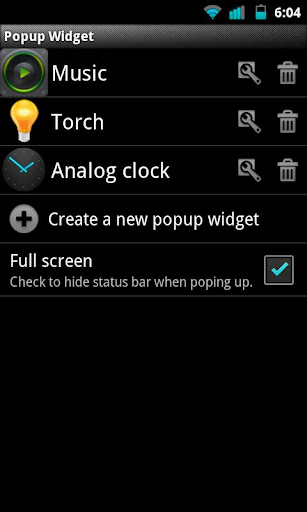
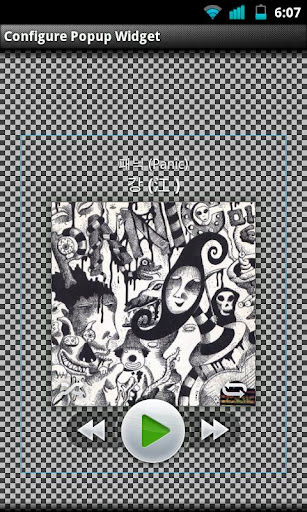
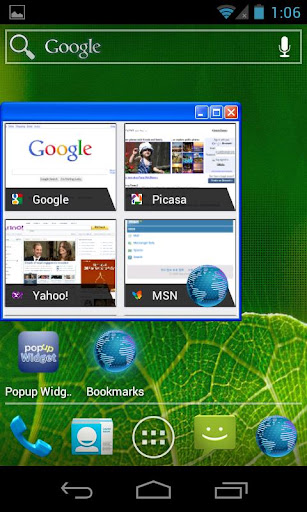
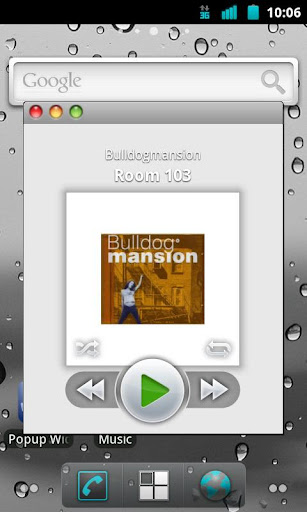
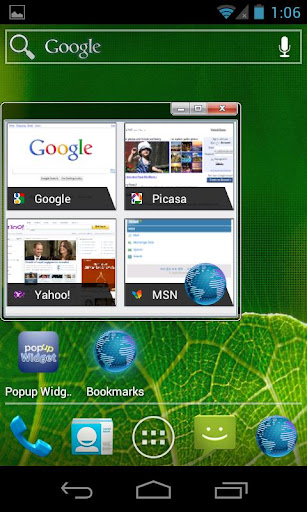
You can create a shortcut to a widget. The widget will appear with a cool animation when clicking the shortcut!


Popup Widgetplay.google.com.popupWidget
You can create a shortcut to a widget. The widget will appear with a cool animation when clicking the shortcut.
Now this supports more features than ssLauncher, 20 or more internal background skins and changing animation speed and effect.

Main benefits of using popup widget:
  • less memory use of launcher
  • better scroll performance of launcher
  • protect widget from touch miss

NOTICE for Nova launcher bug!!!
Popup widget supports two ways to create a shortcut. But the first way does not work on Nova, which has a bug for it. You can still create a shortcut by dragging 1x1 widget named 'Popup widget' from the app drawer on Nova. This is the second way!

What's in this version : (Updated : Jul 31, 2013)
  • supports backup/restore
  • supports custom image skin
  • enabled to select x and y position separately
  • fixed some bugs
Required Android O/S : 2.2+

Screenshots :


Download : 100Kb APK